Help Shoppers See the Right Rug in Their Room—and Buy With Confidence
Help shoppers visualize rugs in their own room or a demo room, compare available sizes, explore similar rugs, and keep moving toward a purchase on mobile or desktop.
Discovery-AI gives rug retailers an enterprise-quality visualizer without enterprise-level pricing. It works with search, recommendations, favorites, product data, and Add to Cart as part of one connected shopping experience.
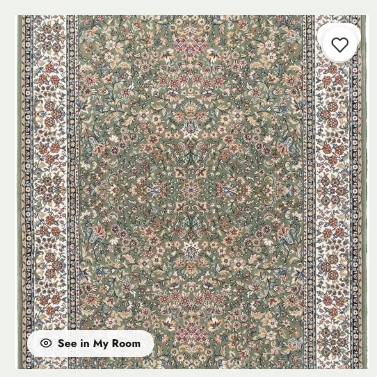
Start where the shopper already is. A clear See in My Room action makes visualization part of the rug-shopping experience.
From product to room
Make “See in My Room” Part of the Buying Journey
The goal is simple: reduce uncertainty while the shopper is still interested in the rug.
1. Pick a rug
The shopper finds a rug through search, browsing, recommendations, or a product page.
2. See it in a room
Tap See in My Room and open the rug visualizer without losing the product context.
3. Try the right size
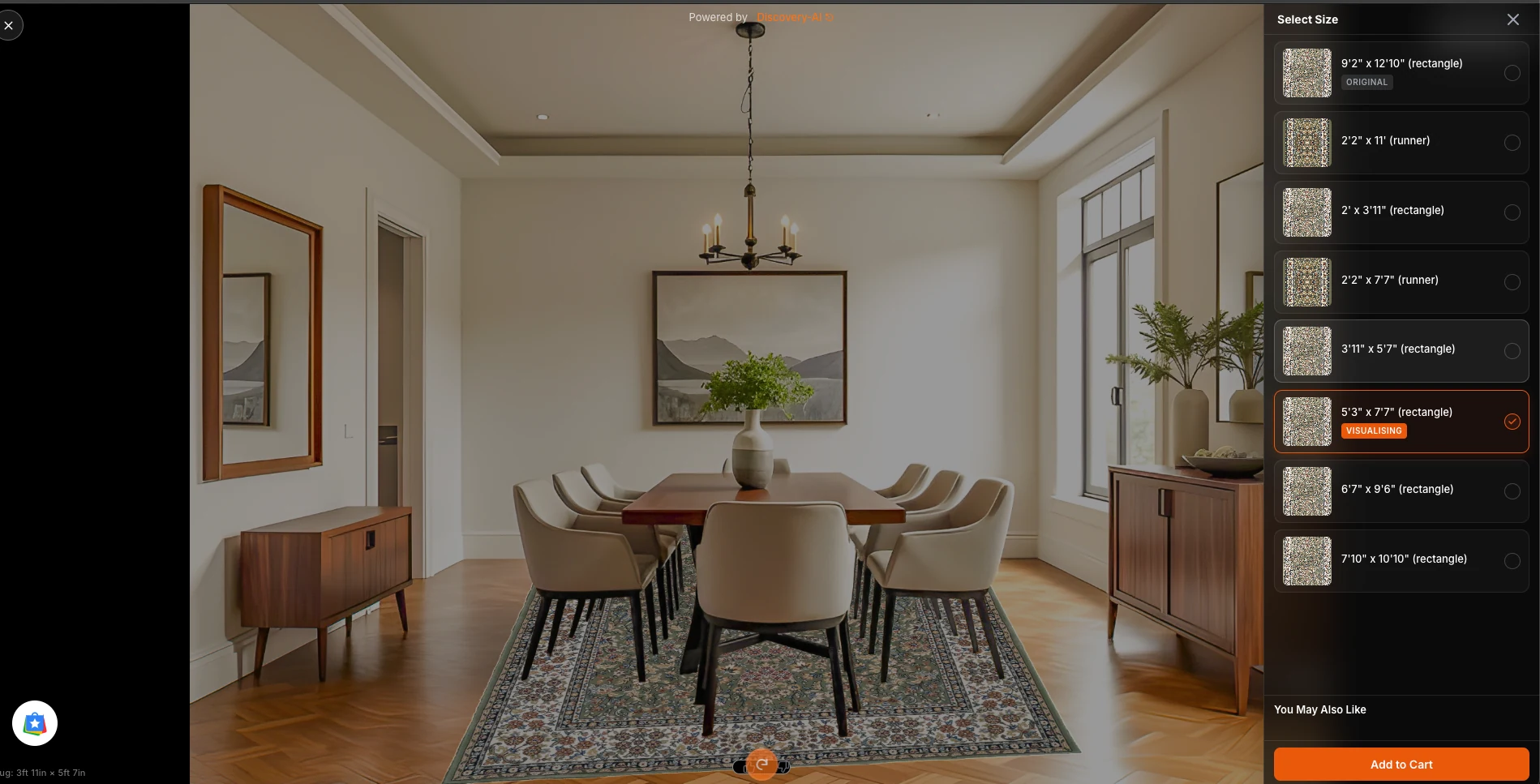
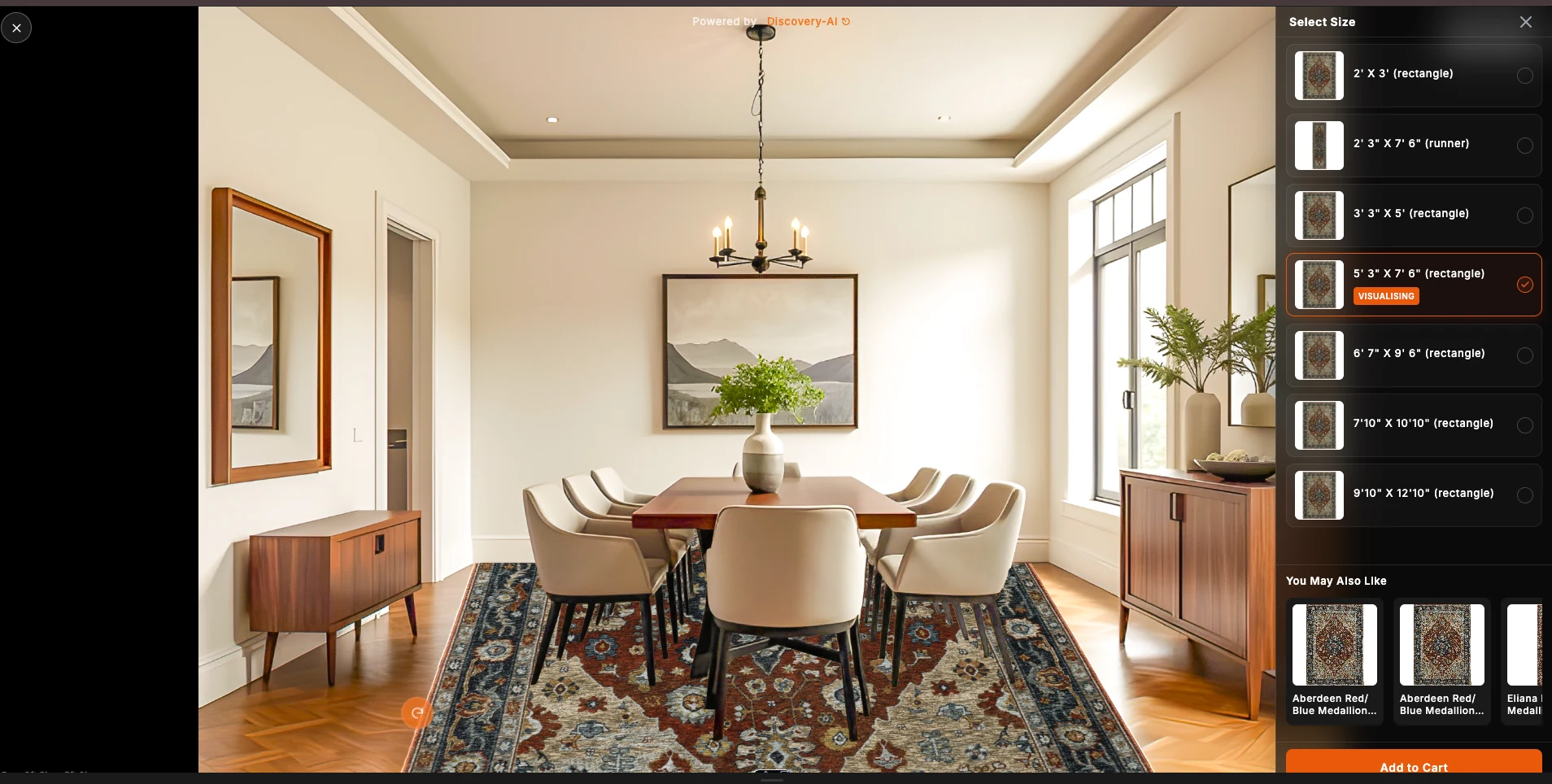
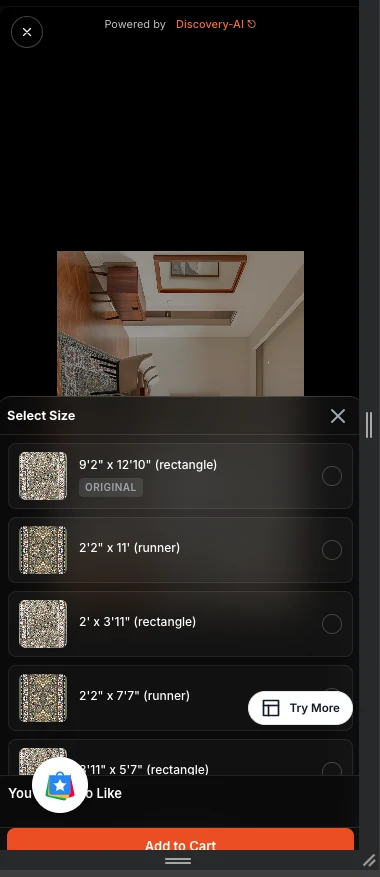
Available rug sizes can be selected so the shopper can compare the options that can actually be sold.
4. Keep shopping
Similar-rug recommendations and commerce actions help the journey continue instead of ending at the visualization.
Mobile-first, desktop-friendly
A visual shopping experience that works where your customers shop
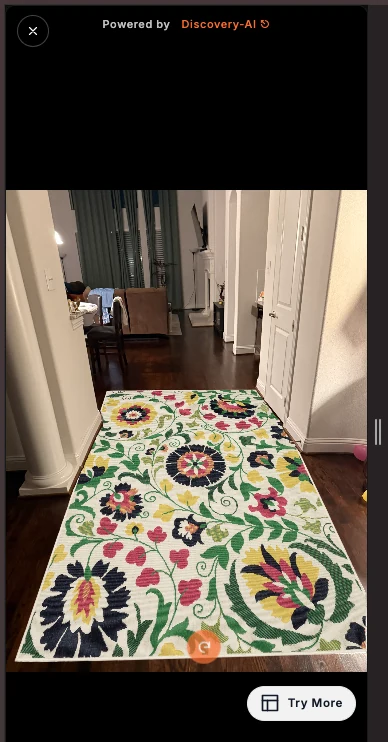
Rug shoppers often browse from their phones while standing in the room they are furnishing. The experience is designed around that mobile journey while still giving desktop shoppers a large, useful room view.
Desktop: a large room view keeps the rug and the room context easy to evaluate.
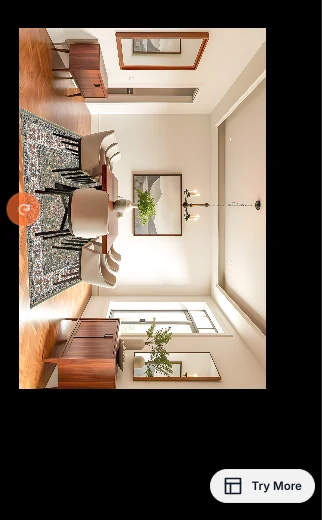
Portrait: shoppers can visualize the rug while holding the phone naturally.Landscape / rotated view: the visualizer can support the way a shopper captures and views the room.
Designed for real shopping behavior
Use the room that is already in front of the shopper
A customer can move from a rug to a room-based view from the same device they are using to shop. The experience keeps the visual result prominent and the next action close by.
That matters for rugs: color, pattern, scale, and how the rug works with the room are difficult to judge from a product image alone.
Keep the buying journey moving
Help Shoppers Compare Sizes, Explore Similar Rugs, and Keep Shopping
Visualization should not become a dead end. Size selection, similar rugs, and commerce actions can stay connected to the experience.
Desktop: shoppers can choose an available size, see the visual result, browse similar rugs, and continue toward Add to Cart.Mobile: size selection and next-product options remain reachable without abandoning the room view.
Show the sizes you sell
Connect the room experience to available product variants so shoppers can try the rug sizes relevant to the product.
Keep alternatives nearby
You May Also Like recommendations can give shoppers another path when the first rug is close—but not quite right.
Stay close to the sale
The experience can lead back to commerce actions instead of making the shopper restart the journey after visualization.
See it for your rug store
Bring Enterprise-Quality Rug Visualization to Your Store
Give shoppers more confidence before they buy—without enterprise software pricing. Tell us about your store and website, and we’ll show how the visualizer can work with your catalog, search, recommendations, favorites, and ecommerce experience.